Prevent Card Declines
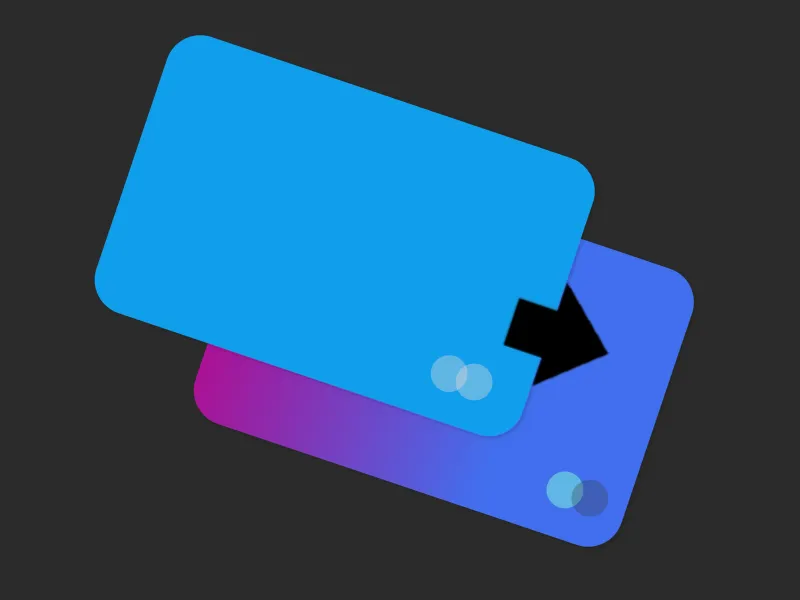
Card declined? No stress. Curve Pay automatically switches to your backup card so payments always go through — no awkward moments, ever.

Everyday Spending

Smart Features

Flexible Payments

Security & Control

Card declined? No stress. Curve Pay automatically switches to your backup card so payments always go through — no awkward moments, ever.
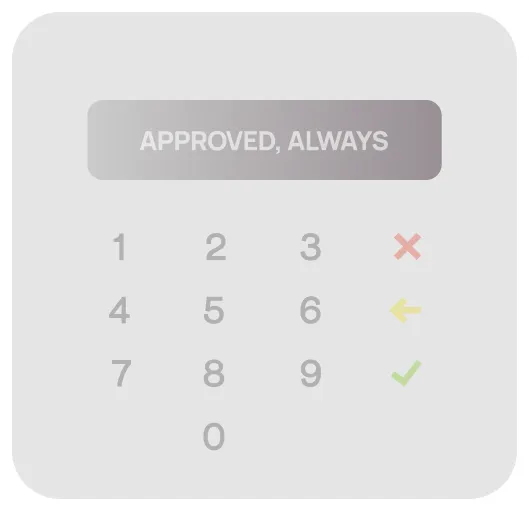
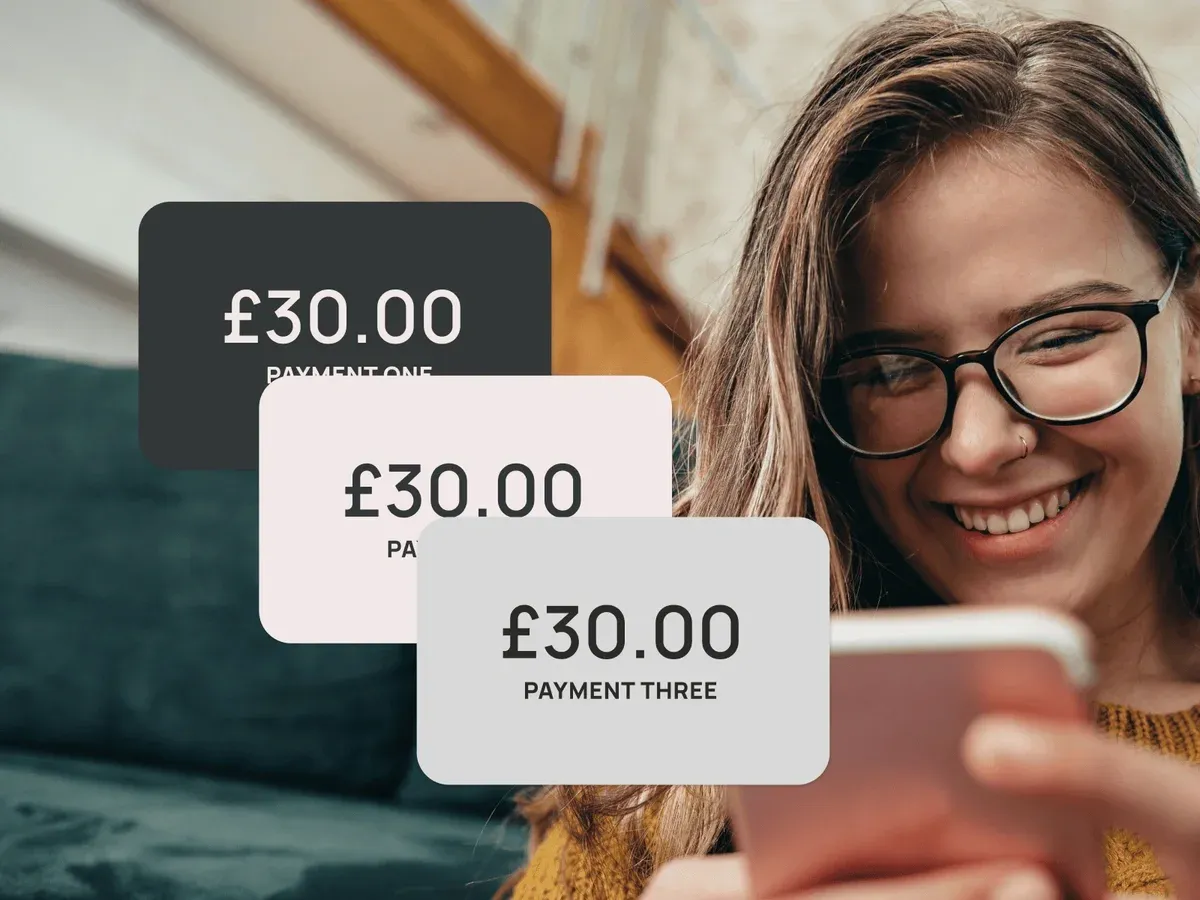
If your main card fails, Curve Pay instantly switches to your backup—no panic, no pauses, just smooth spending.

Set your backup cards in the app—if your main one’s declined, Curve Pay switches instantly.
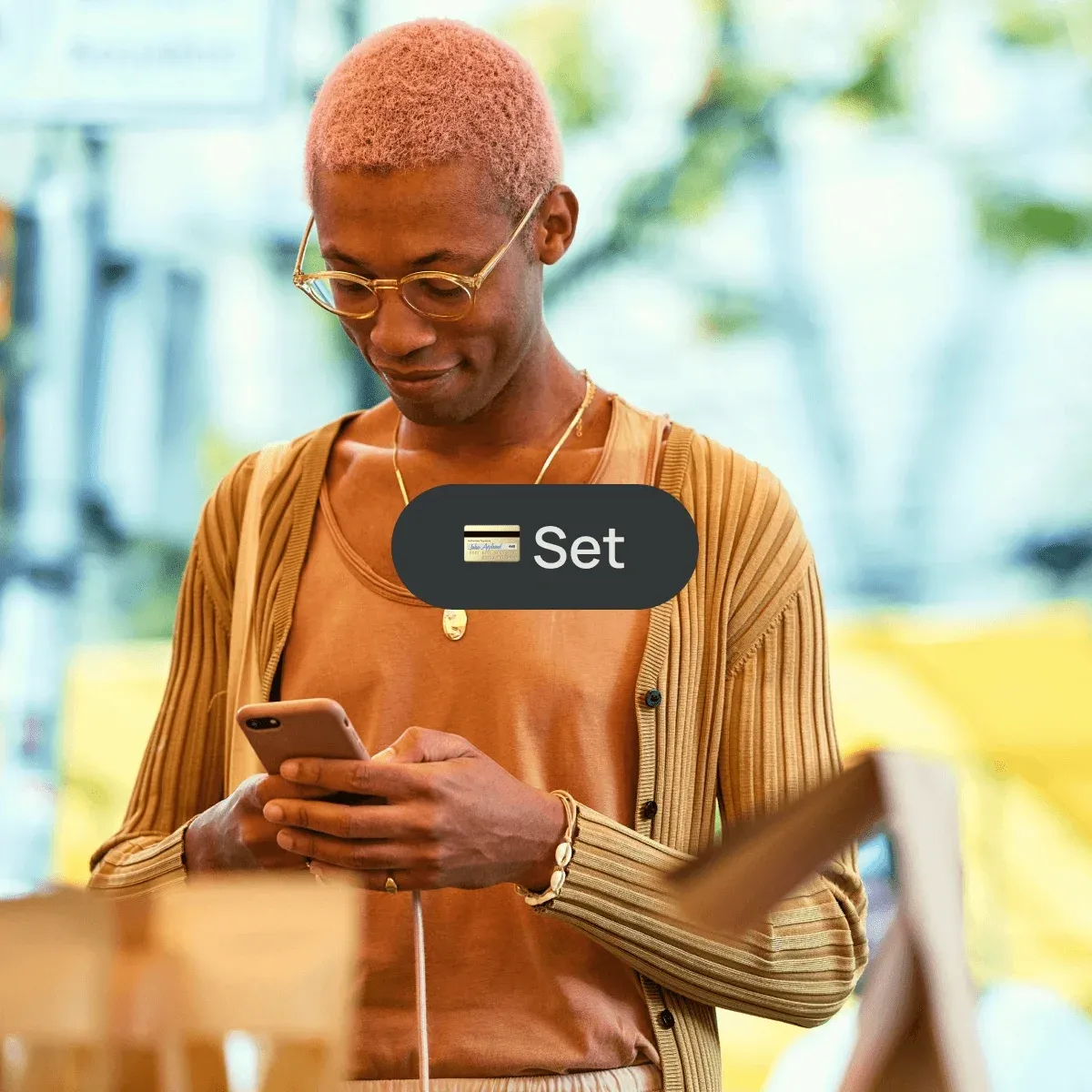
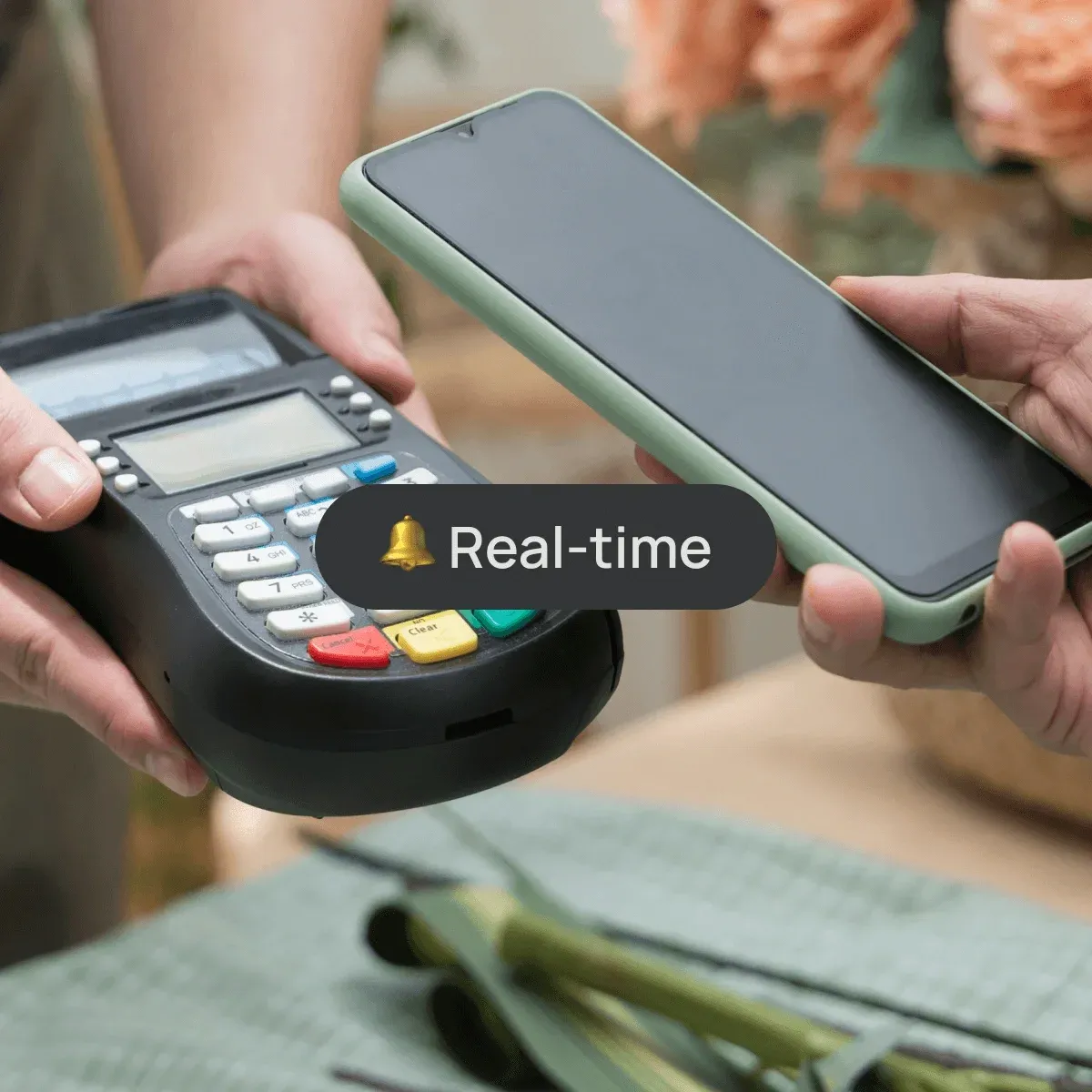
Get notified instantly when a backup card’s used — full transparency, zero surprises.
Anti-Embarrassment Mode works wherever you pay—online, in-store, or abroad—and comes with Curve Pay’s built-in safety features like wallet lock, fraud alerts, and Section 75 protection.

Declines happen. Awkwardness doesn’t have to. Curve automatically switches to a backup card, so your payments never fail. Follow:
Anti-Embarrassment Mode is a Curve Pay feature that switches to your backup card if your primary card gets declined — automatically and without drawing attention.
Go to your Curve Pay app > Settings > Anti-Embarrassment Mode. Choose one or two backup cards. Done.
Yes, Curve Pay will send you a push notification as soon as a backup card is used — so you’re always in the loop.
Absolutely. You can update or remove your backup cards at any time in the Curve Pay app.
No. Anti-Embarrassment Mode doesn’t impact your credit score and doesn’t involve any credit checks.
Terms and limits apply
Curve Pay brings all your cards together in one secure
wallet - so you can save more with every payment.
Switch cards after you pay, skip hidden FX fees, and
stack rewards effortlessly. Regulated across the UK and
EEA and built for people who expect more from their wallet.