Smarter spending, on autopilot.

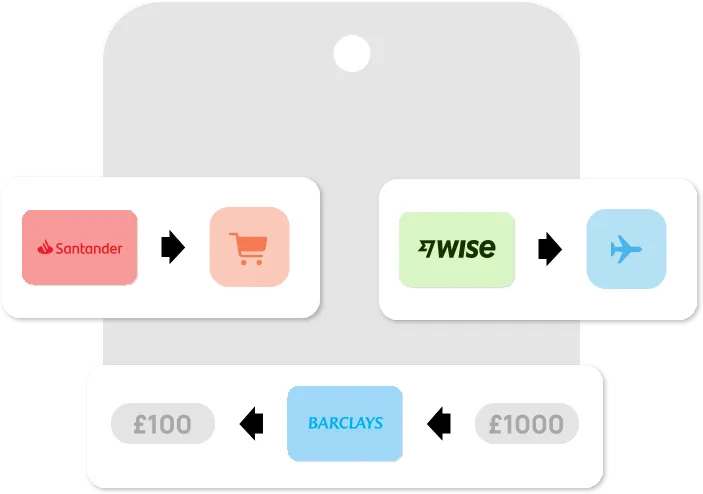
Let Curve Pay take care of the admin. Smart Rules automatically chooses the right card for each purchase, so you stay in control - without thinking about it. Set it once, and let your wallet do the work
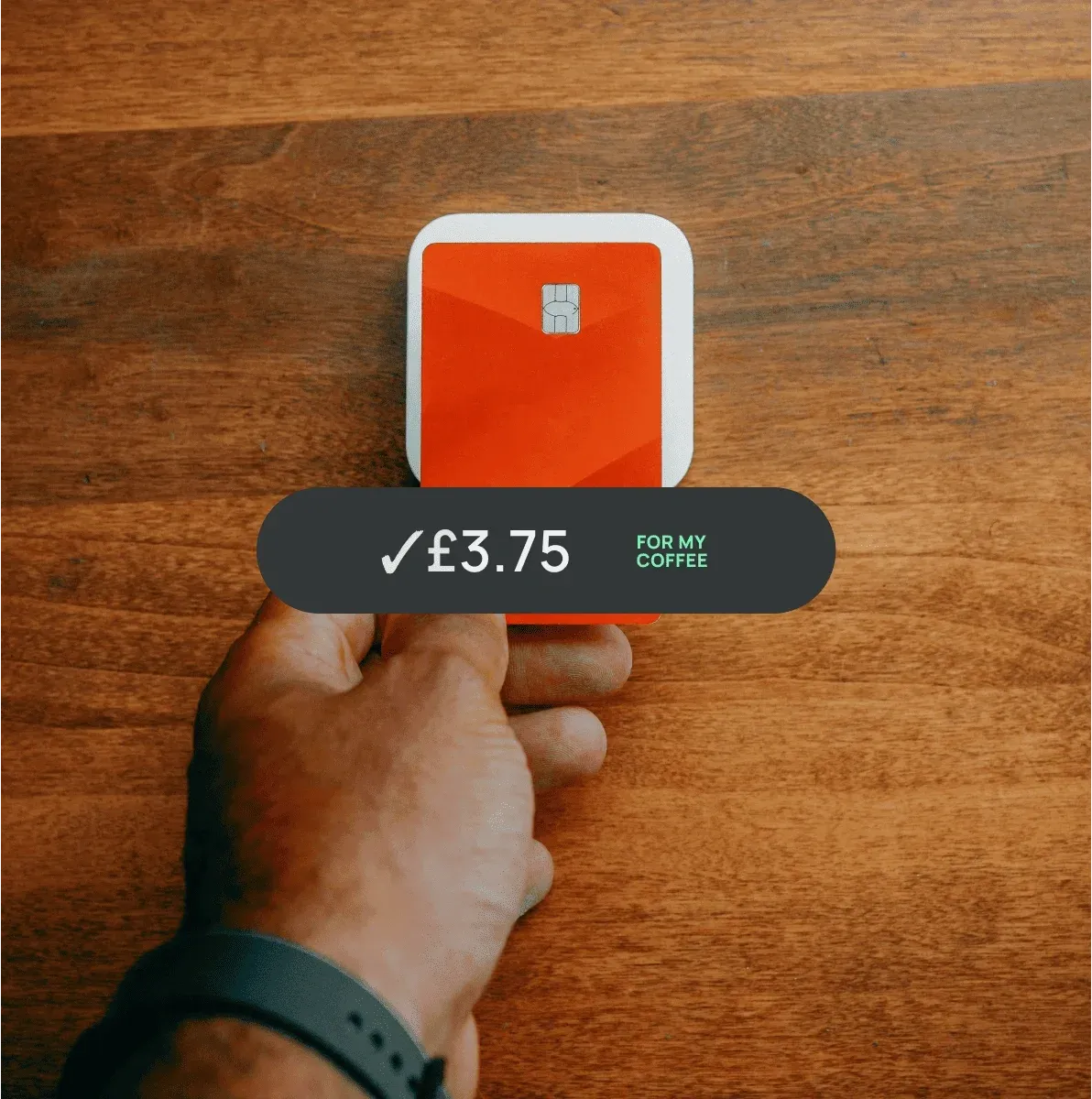
Smart Rules hero image

Use the right card, always

Set rules to use your rewards card for supermarkets or your travel card for flights — and never miss out on points, cashback, or perks again. It’s precision spending, without the effort.

Smart Rules benefit image 1

Stay on budget without micro-managing

Set spend rules by amount or merchant—Curve Pay keeps your budget on track automatically.

Smart Rules benefit image 2

Designed for commercial users users

If you’re using Curve Pay for business, Smart Rules make sure every transaction goes to the right card. Automatically allocate expenses to different cards for better expense management and accounting.

Smart Rules benefit image 3

No more mental load

Smart Rules means you don’t need to remember which card to use at checkout. Just set your preferences once - Curve Pay takes care of the rest.

Smart Rules benefit image 4

Terms Apply

Most offers are subject to terms and conditions.

Learn More

Frequently asked questions

What are Smart Rules in Curve Pay?

Smart Rules let you define automated rules for which card Curve Pay should use based on the merchant category or transaction amount. You stay in control, but Curve Pay does the heavy lifting.

How do I set up Smart Rules?

Go to the “Wallet” section in the Curve Pay app and tap “Smart Rules.” You can create rules by merchant category (e.g., groceries, travel) or by transaction amount (e.g., use Card A for any purchase over £100).

Can I still use Go Back in Time® if I have Smart Rules?

Yes — Smart Rules prevent mistakes before they happen, but if you ever want to move a transaction after the fact, Go Back in Time® is always available.

Are Smart Rules only for personal use?

Not at all. If you’re using Curve Pay with a business, commercial card, Smart Rules can help streamline company expenses by automatically routing transactions according to your company’s spend policies.

What happens if none of my rules apply?

If no rule matches the transaction, Curve Pay will use your default payment card — which you can change anytime in the app.

Terms and limits apply

The only wallet that
saves you money.

Curve Pay brings all your cards together in one secure
wallet - so you can save more with every payment.
Switch cards after you pay, skip hidden FX fees, and
stack rewards effortlessly. Regulated across the UK and
EEA and built for people who expect more from their wallet.