How Curve Pay works
Curve Pay puts all your cards in one smart wallet - helping you save, switch, and earn with every payment.

Everyday Spending

Smart Features

Flexible Payments

Security & Control

Curve Pay puts all your cards in one smart wallet - helping you save, switch, and earn with every payment.
Download and install . It's completely free and takes two minutes to sign up.
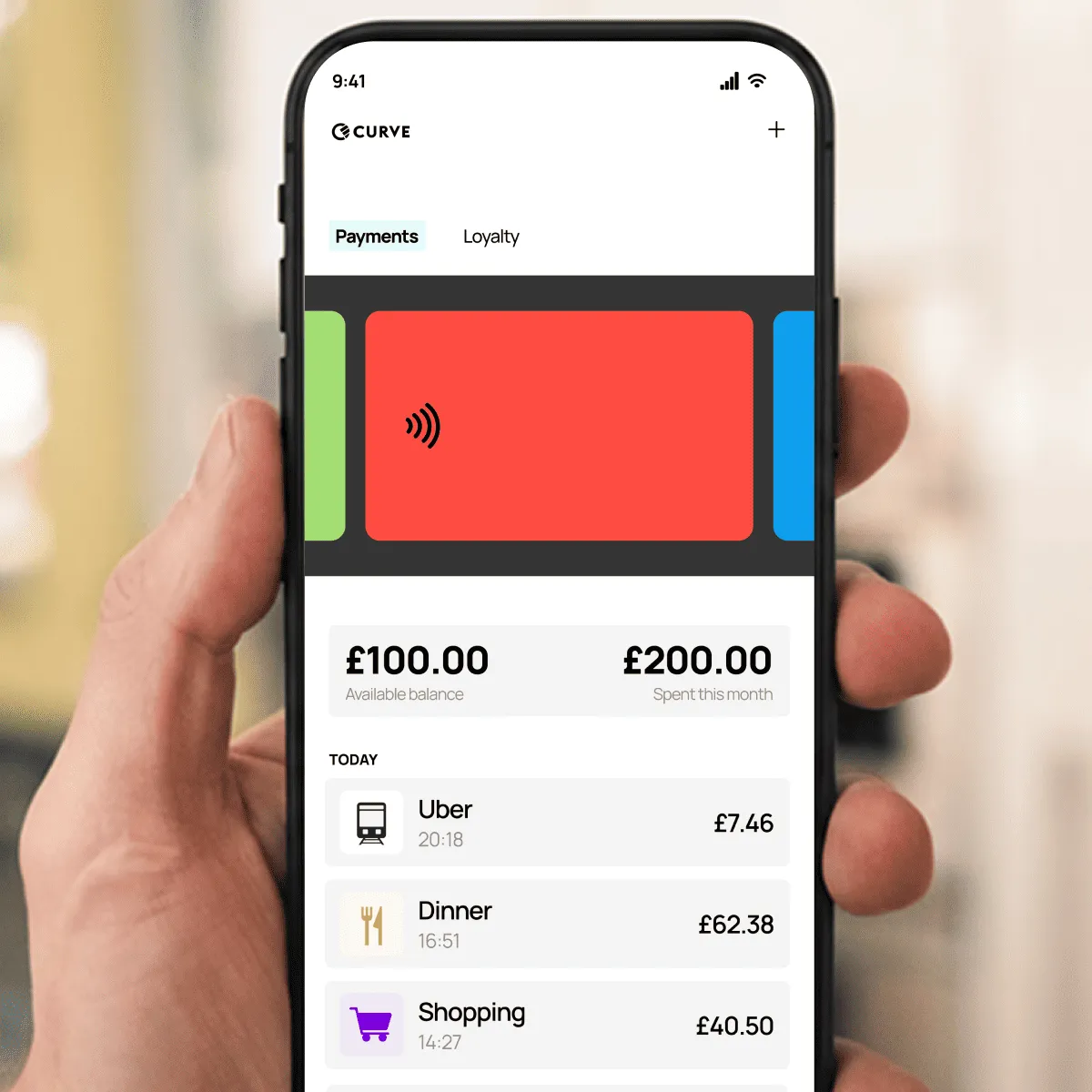
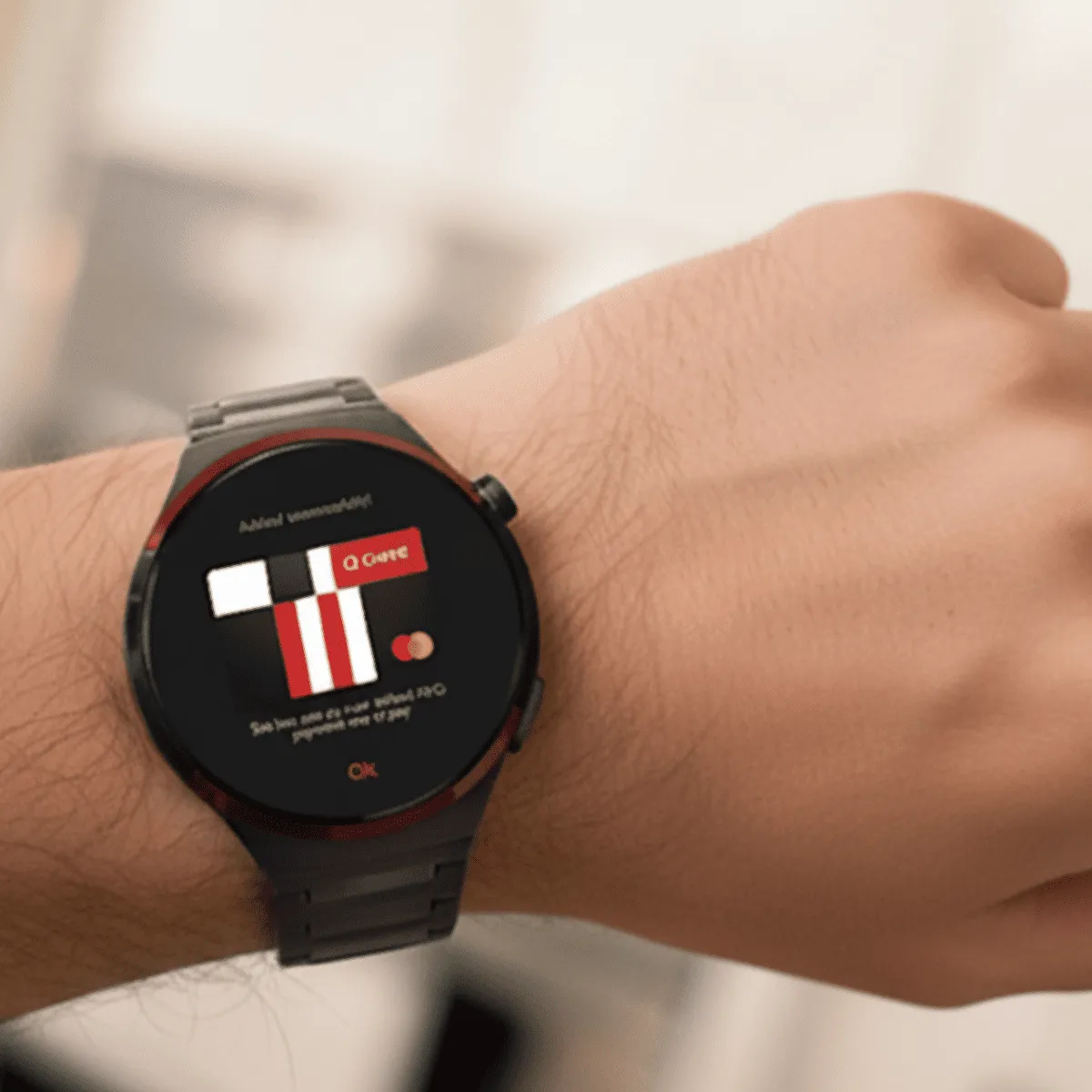
Tap to pay in-store, set Curve Pay as your default wallet or link it to Apple or Google Pay for effortless online shopping, or use a card or wearable when you’re out without your phone.
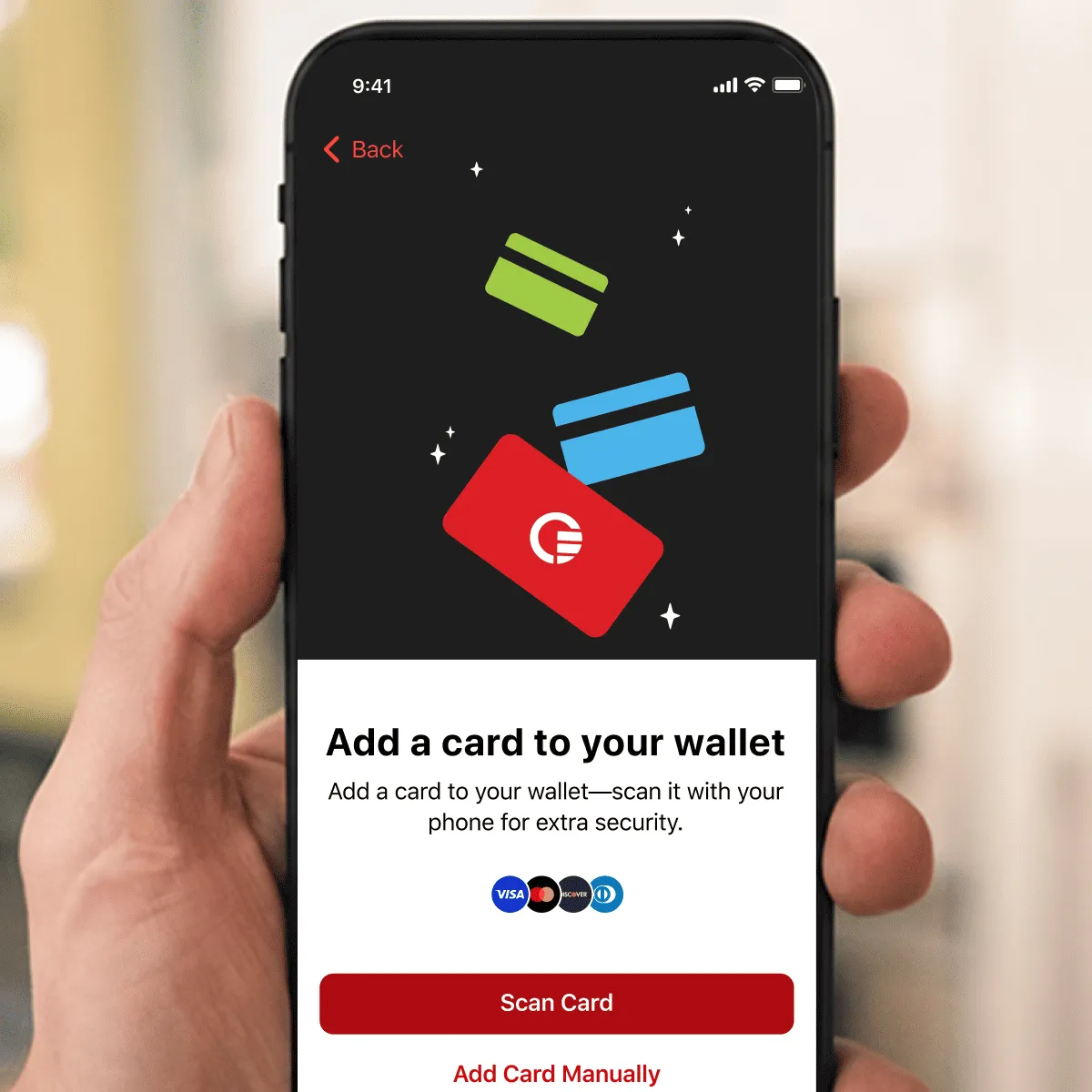
Add your debit and credit cards to Curve Pay. The more you add, You can start with just one, but you'll benefit from Smart Rules, Anti-Embarrassment and Go Back in Time® when you add more. Select the card you want to use for your payments and you're ready to go!
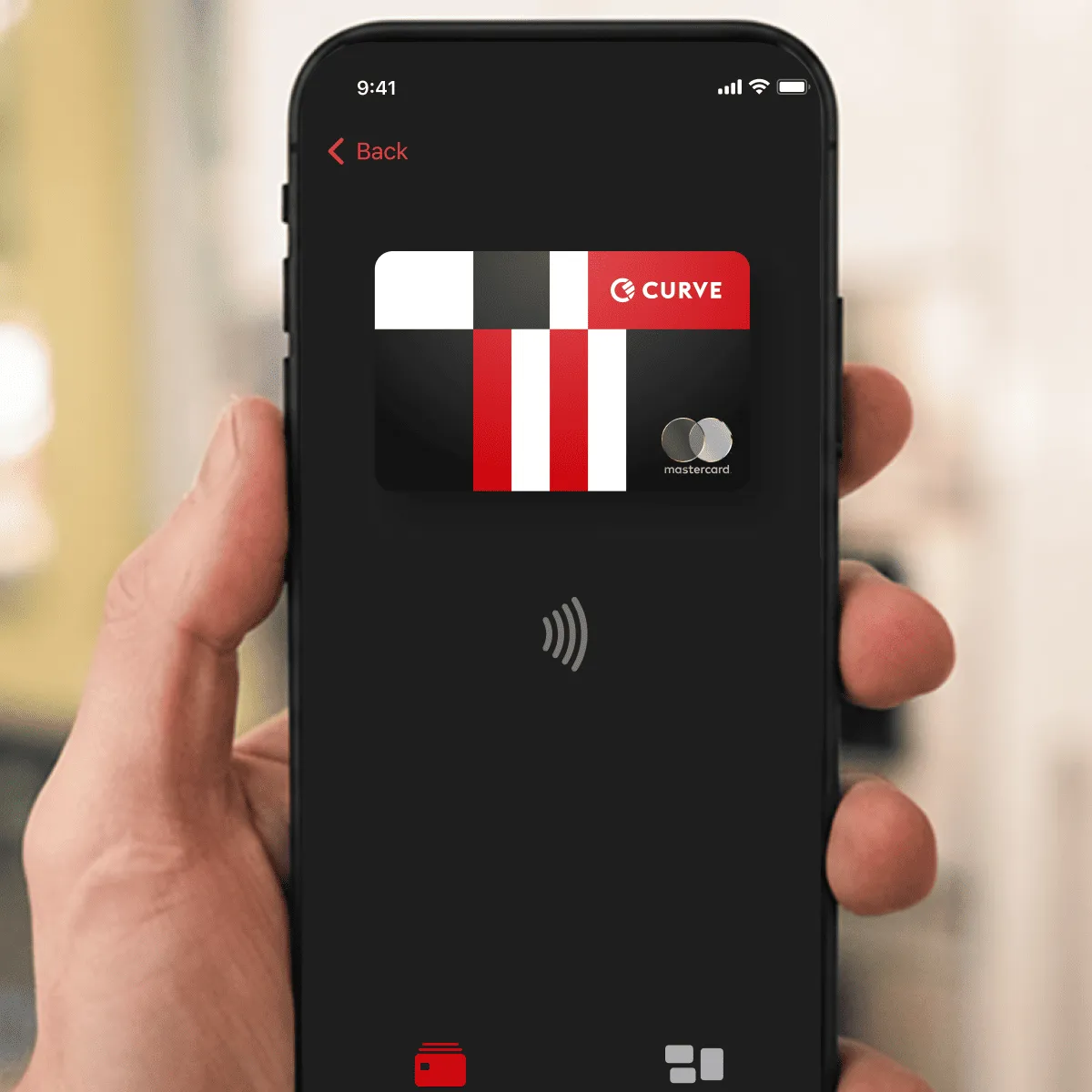
Spend and earn cashback, save on foreign currency exchange fees, gain money freedom.
1% cashback for Curve Pay Pro subscribers at 6 selected retailers (up to £25 per month) and Curve Pay Pro+ subscribers at 12 selected retailers (up to £50 per month), for the subscription period (please refer to our Fair Use Policy for more details).
For UK customers, FSCS protection does not apply to the funds held on your Curve Cash Card and your funds may be at risk in exceptional circumstances.
Curve Pay brings all your cards together in one secure
wallet - so you can save more with every payment.
Switch cards after you pay, skip hidden FX fees, and
stack rewards effortlessly. Regulated across the UK and
EEA and built for people who expect more from their wallet.