Fix payments after they happen.

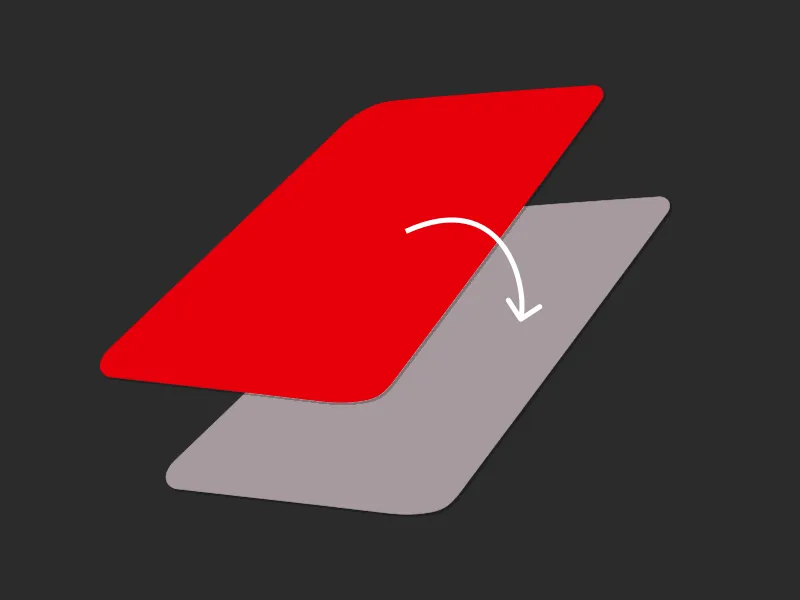
Made a mistake at checkout? Want to earn more rewards or split a big spend? With Go Back in Time®, you can move a past payment to a different card up to 120 days after you made it. It’s seamless, flexible - and only possible with Curve Pay.

Benefits - Go Back In Time

Fix regrets,
instantly, with a tap

Made the wrong choice at checkout? With Go Back in Time®, you can switch a past payment to a better card — even months later. More rewards, fewer fees, total control.

Fix Regrets Instantly image

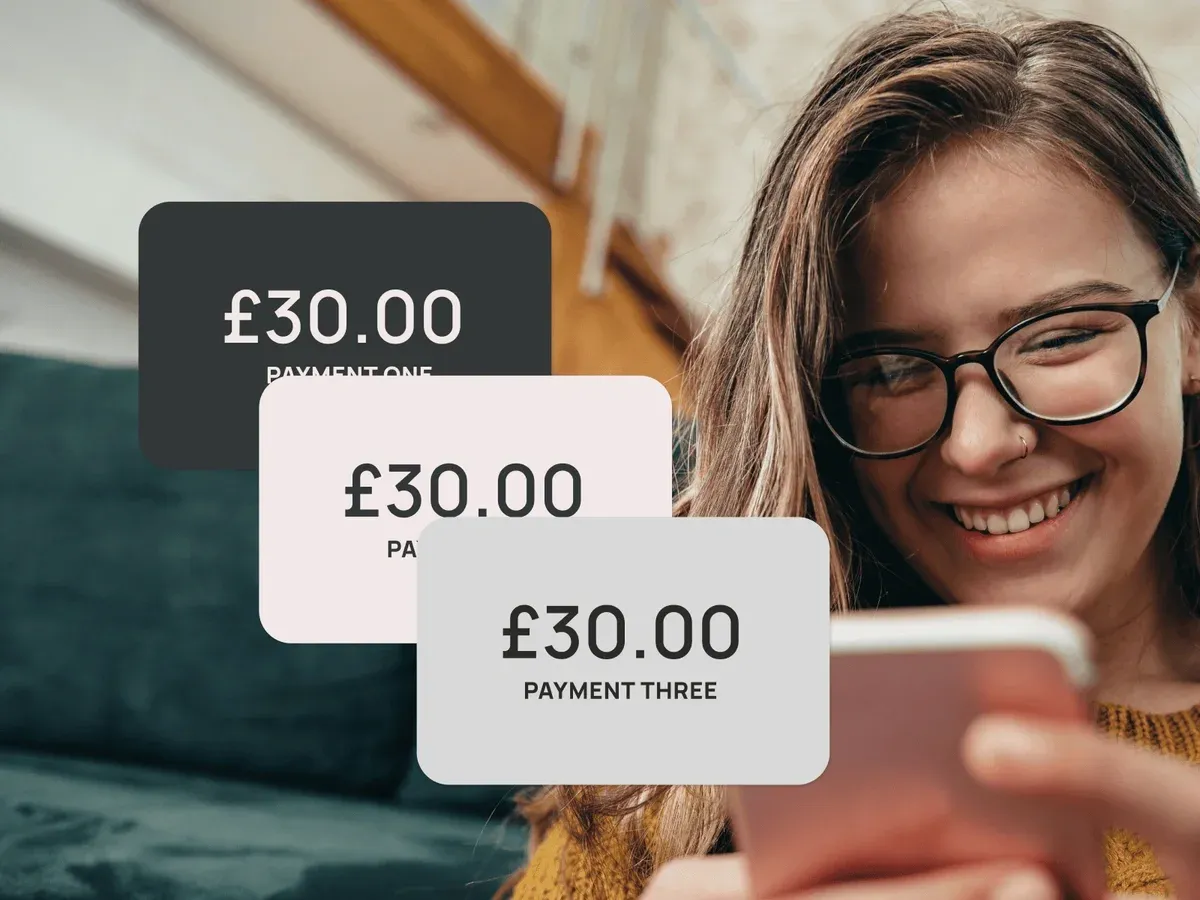
Avoid credit card interest

Move a big spend to a lower-interest card before your bill’s due. Simple, flexible, and made for life’s curveballs.

Avoid Credit Card Interest image

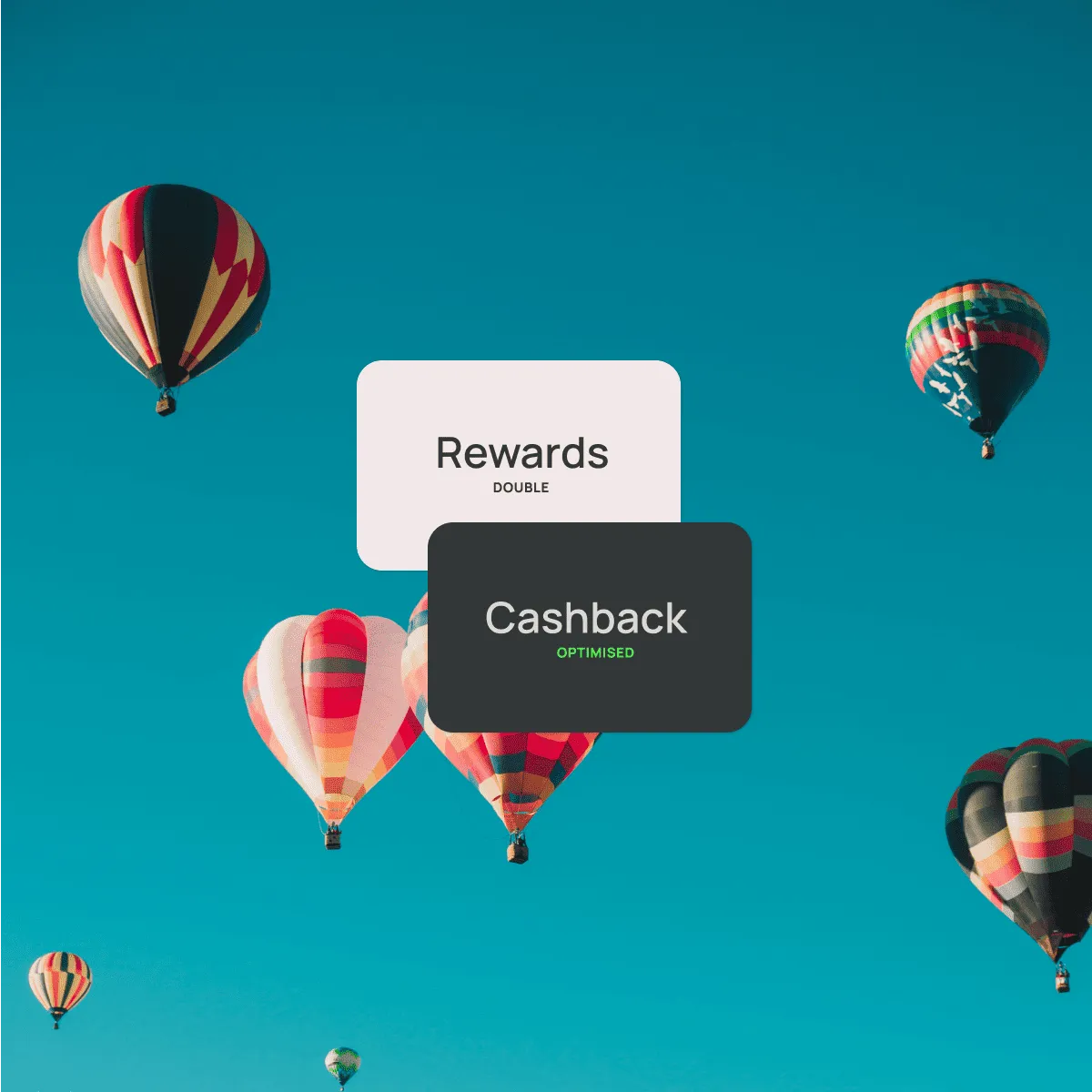
Keep your cashback optimised

Move your payment to a rewards card if you forget to use it the first time. Double the rewards, none of the stress.

GBiT benefit image 3

Only with Curve Pay. It’s patented.

We invented it. So you won’t find this feature anywhere else — Go Back in Time® is exclusively available through Curve Pay.

GBiT payment image

Terms Apply

Most offers are subject to terms and conditions.

Learn More

How to use GBiT

Unlike regular payments, Go Back in Time® lets you move a past transaction to another card — even months later. Here’s how it works:

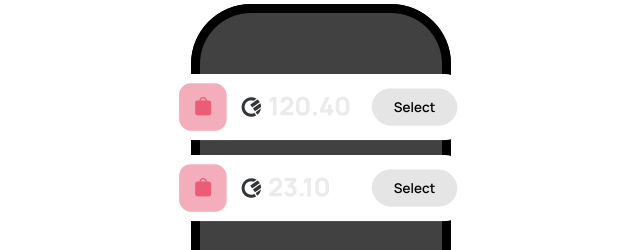
Choose your transaction

Add your cards to Curve Pay and keep earning your usual points, miles, or cashback — then double up with Curve’s own rewards.

Unlock earnings
GBiT - Choose your transactions

Up to 120 days ago on Curve Pay Pro+.

Change your payment up to 120 days later with Curve Pay Pro+. You can edit each transaction once.

Get started
GBiT - Up to 120 days ago

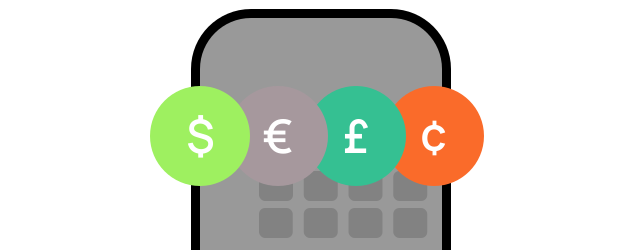
It works with most transactions — free of charge.

Some exclusions apply, like pending payments, merchant restrictions, or ATM withdrawals.

Get it now
GBiT - Works with most transactions

Frequently asked questions

What is Go Back in Time®?

Go Back in Time® lets you move a previous transaction to a different card — even up to 120 days later. It’s ideal for correcting mistakes, optimising rewards, or managing cash flow.


How do I use Go Back in Time®?

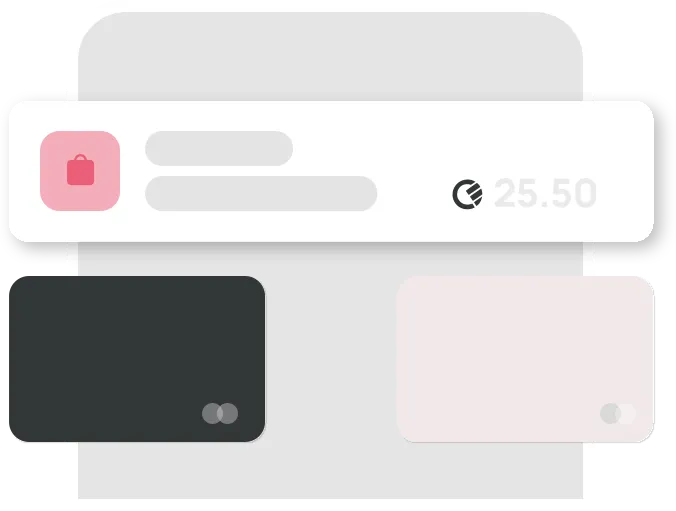
Open the Curve Pay app, find the transaction, tap "Go Back in Time®", and select the new card. The payment is refunded from the original card and recharged to the new one.

Is there a limit on how far back I can move a payment?

Yes, you can move payments made up to 120 days ago on Curve Pay Pro+. You can only change the card for each transaction once.

Does it cost anything to use Go Back in Time®?

It’s free for all Curve Pay users within your plan’s limits. Higher limits are available with premium plans.

Can I use Go Back in Time® on all types of transactions?

Most standard transactions are eligible. Some exclusions may apply, such as certain pending payments, merchant-specific restrictions, or ATM withdrawals.

The only wallet that
saves you money.

Curve Pay brings all your cards together in one secure
wallet - so you can save more with every payment.
Switch cards after you pay, skip hidden FX fees, and
stack rewards effortlessly. Regulated across the UK and
EEA and built for people who expect more from their wallet.