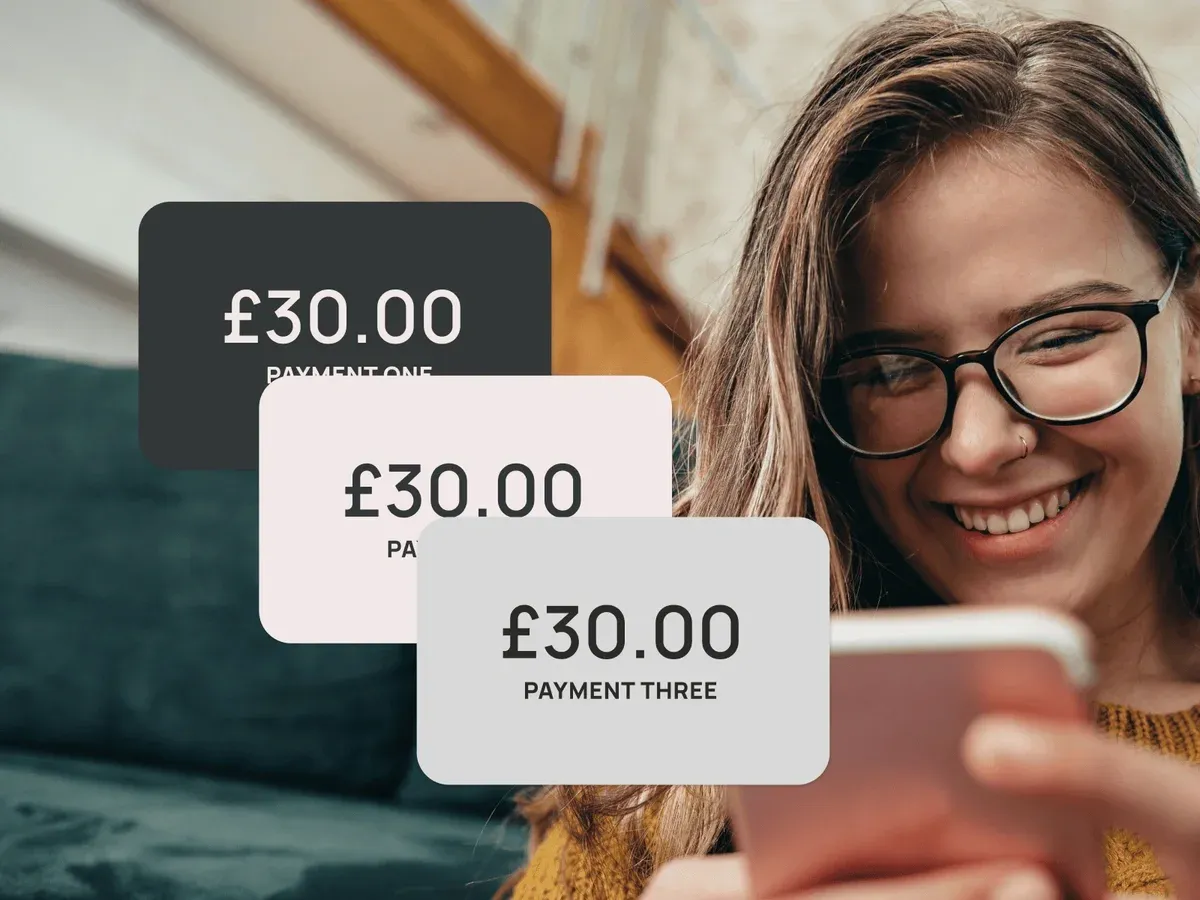
Your wallet. On your wrist
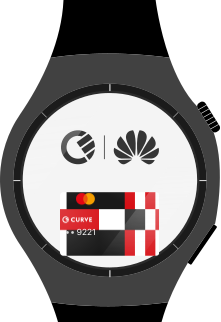
Turn your Huawei Watch into a secure, contactless wallet. Add your cards to Cure Pay and tap to pay- no phone, no pastic, no friction

Everyday Spending

Smart Features

Flexible Payments

Security & Control

Turn your Huawei Watch into a secure, contactless wallet. Add your cards to Cure Pay and tap to pay- no phone, no pastic, no friction
Pay directly from your Huawei Watch - no phone needed. Curve Pay works when paired with both iOS,Android and Huawei devices, giving you full flexibility across platforms.
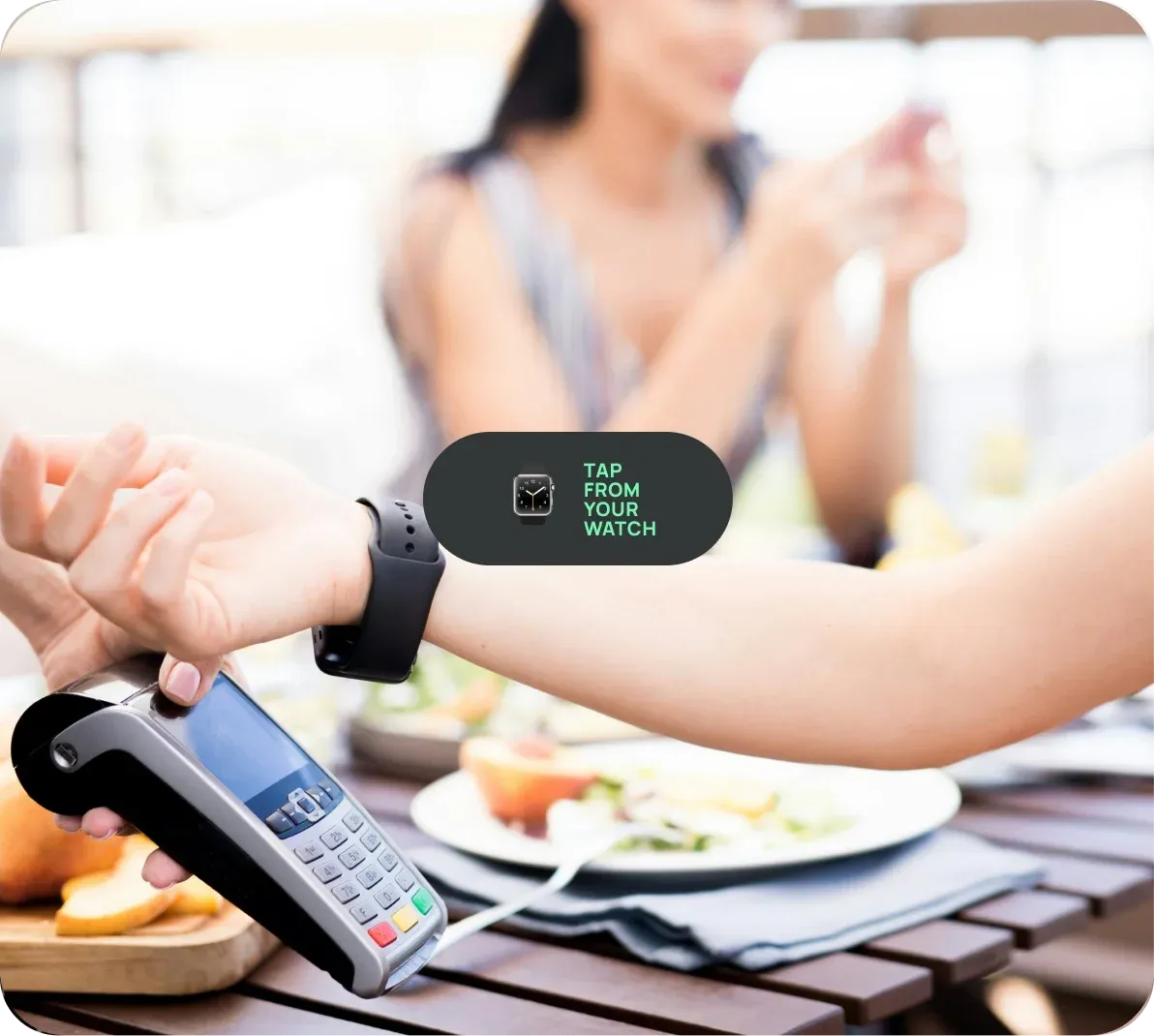
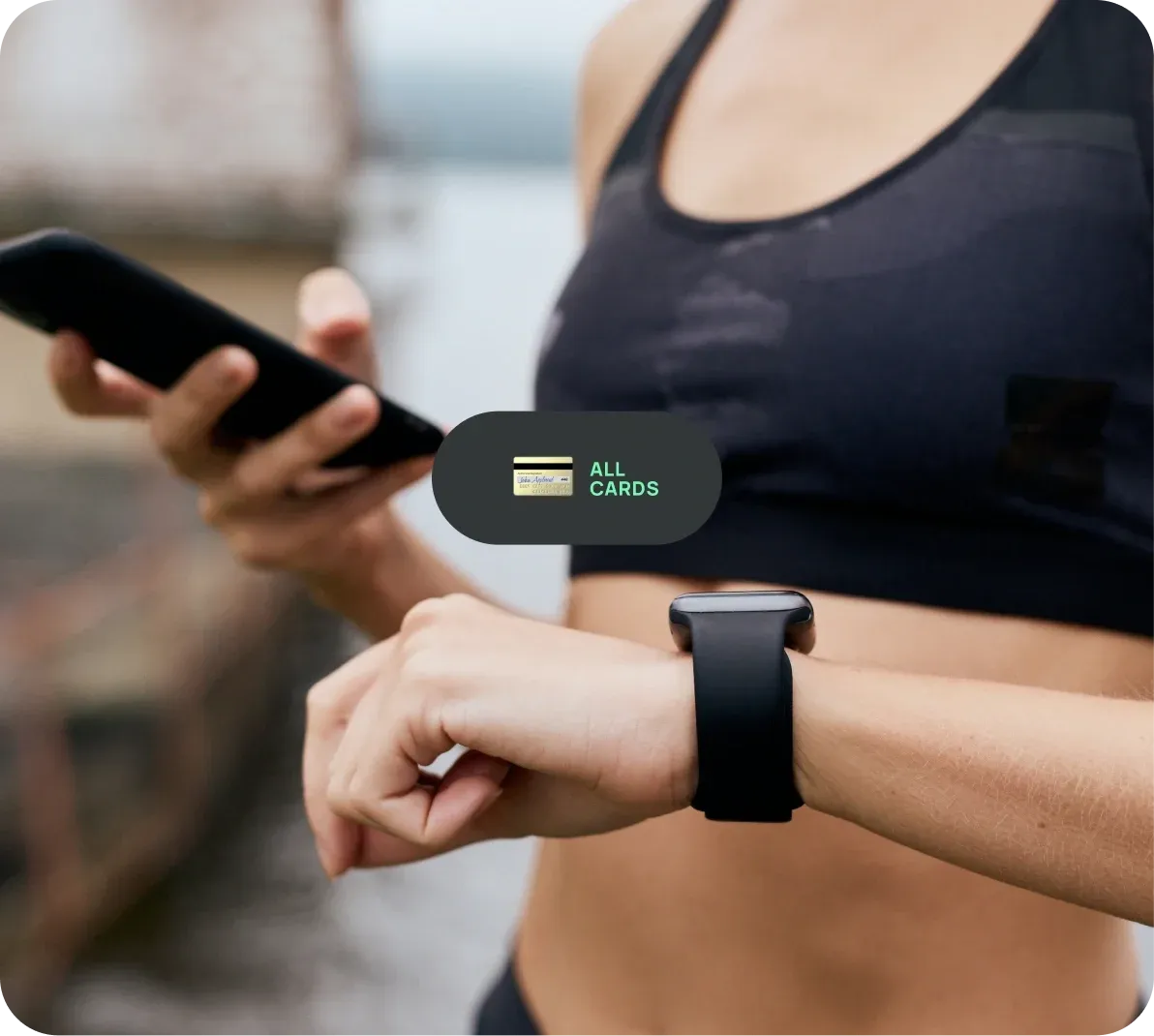
Add most Visa, Mastercard, Diners Club, and Discover cards to Curve Pay and access them from your wrist. Set your default card in the app and tap to pay - no switching at checkout.
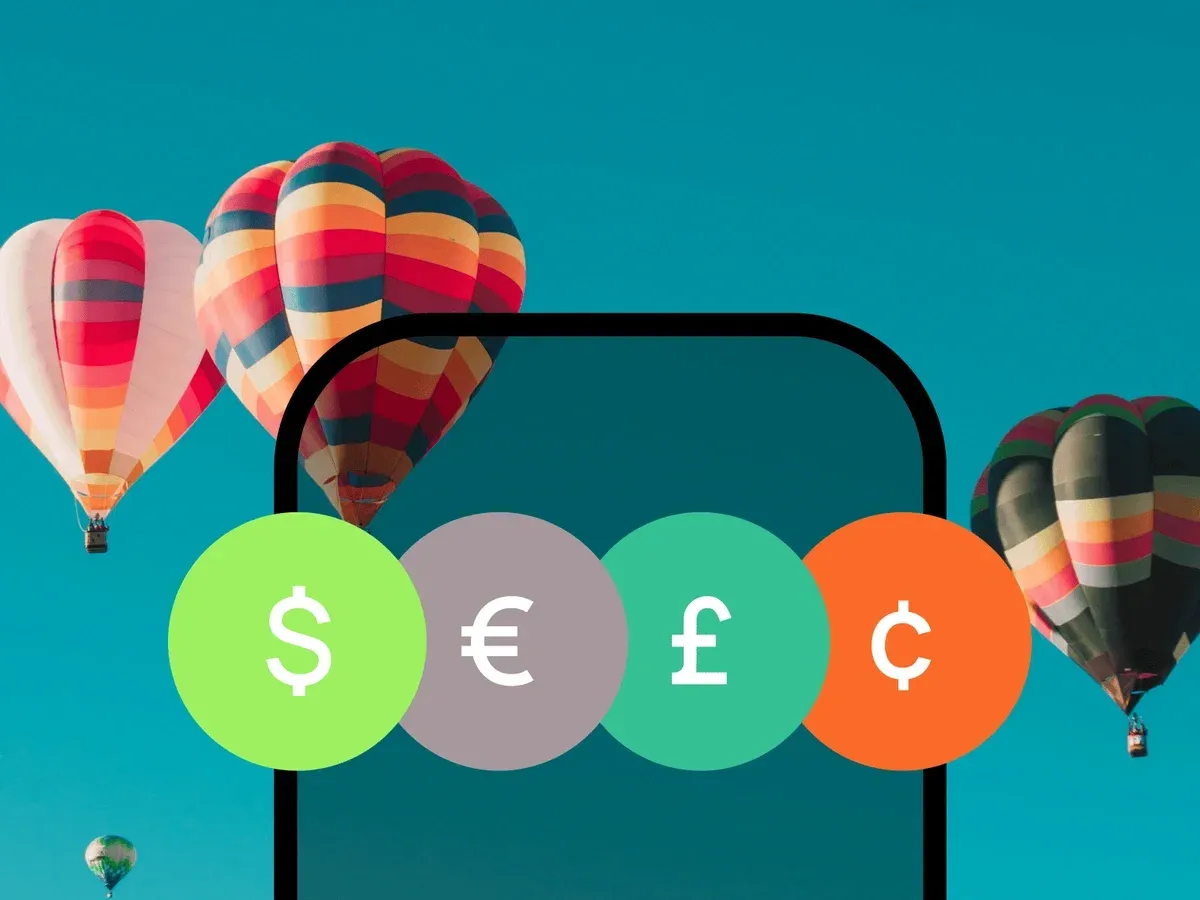
Curve Pay applies Mastercard exchange rates to help you avoid hidden FX fees abroad. Premium customers can also earn cashback on eligible international spend.
Spend like a local - whether you’re travelling, commuting, or heading out after a workout.
Every payment uses tokenised card details - your real card number is never stored or shared.
A 6-digit PIN is required to enable payments. If the watch is removed, wrist-off detection automatically locks it. You can deactivate your watch instantly in the Curve Pay app if it’s ever lost.
Real-time fraud monitoring adds an extra layer of protection.
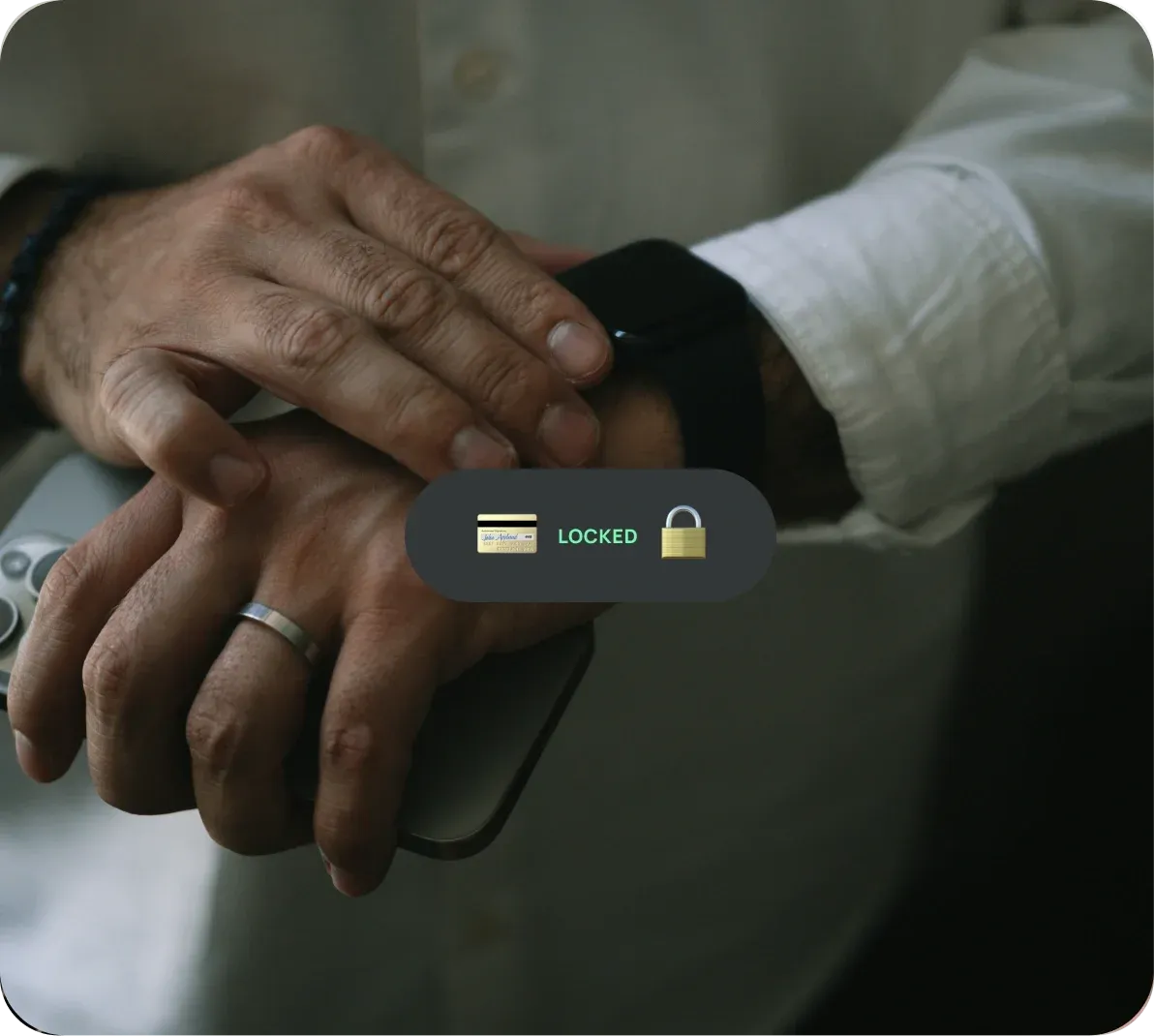
Turn your Huawei Watch into a secure contactless wallet. With Curve Pay, pay instantly from your wrist, keep all your cards in one place, and stay in control of every payment.
Yes. Once activated, you can make contactless payments directly from your Huawei Watch - no phone required for everyday purchases.
Yes. Huawei Watch payments with Curve Pay work when paired with both iOS and Android devices using the Huawei Health app.
Yes. Payments are tokenised, protected by a 6-digit device PIN, and automatically locked if the watch is removed from your wrist. Your real card details are never stored on the device.
If a PIN is set, payment tokens remain secure. You can deactivate the wearable instantly in the Curve Pay app. Resetting the watch removes all stored payment tokens.
Yes. A limited number of encrypted offline tokens are stored on your device, allowing payments without a live connection. After several offline transactions, reconnect to refresh tokens.
Compatible Huawei Watch models with NFC running HarmonyOS 3.0 or later. Availability may vary by region.
Anywhere contactless Mastercard or Visa is accepted.
Yes. Curve Pay works on compatible Huawei smartphones as well as Huawei Watches. You can use the same Curve Pay wallet across your devices, managing all your cards in one place.
Terms and limits apply
Curve Pay brings all your cards together in one secure
wallet - so you can save more with every payment.
Switch cards after you pay, skip hidden FX fees, and
stack rewards effortlessly. Regulated across the UK and
EEA and built for people who expect more from their wallet.